Frequently Asked Questions

This page compiles various frequently asked questions and their answers. Please use the search functionality, and the table of contents on the right side of this page to navigate.
My overlay is fully opaque?
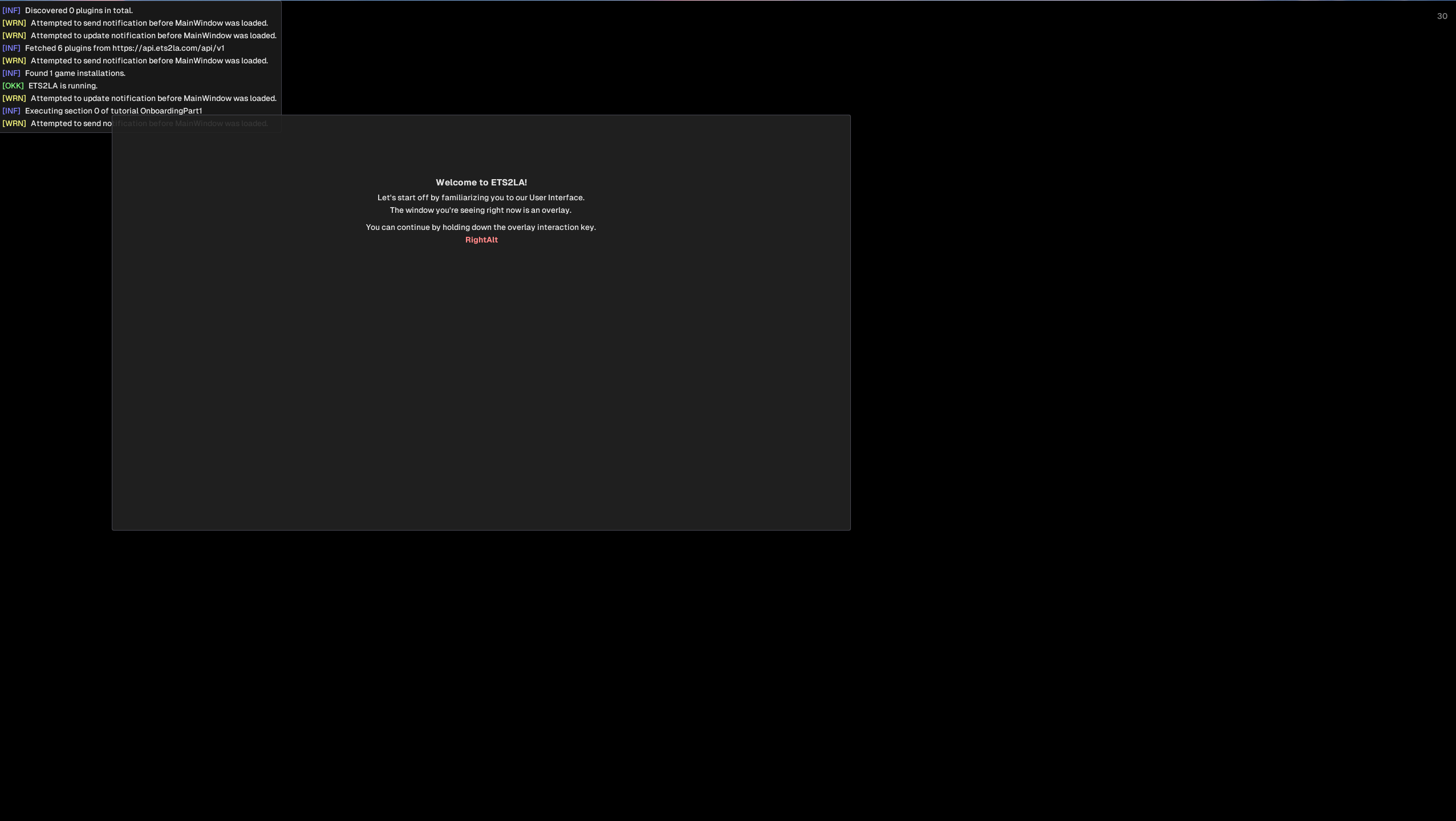
This issue is caused by your GPU drivers and settings. As a start, ensure your GPU drivers are up to date, and check your graphics settings. Below are fixes for both AMD and NVIDIA. Note that this is still being investigated, if you can provide us with additional information, it would be greatly appreciated. The overlay is an integral part of ETS2LA, and cannot be disabled.
- Disable HDR in Windows settings.
- Ensure ETS2LA is running on your dedicated graphics card (dGPU) if your CPU contains one (iGPU).
- Reinstall your GPU drivers.
These are the only steps we've found for AMD cards so far. If you have one, and these don't help with the opaque overlay issue, then please contact us on the Discord.
- Set
OpenGL GDI CompatibilitytoPrefer Compatiblein the NVIDIA App. - Ensure ETS2LA is running on your dedicated graphics card (dGPU) if your CPU contains one (iGPU).
- Reinstall your GPU drivers.
ETS2LA didn't follow my route?
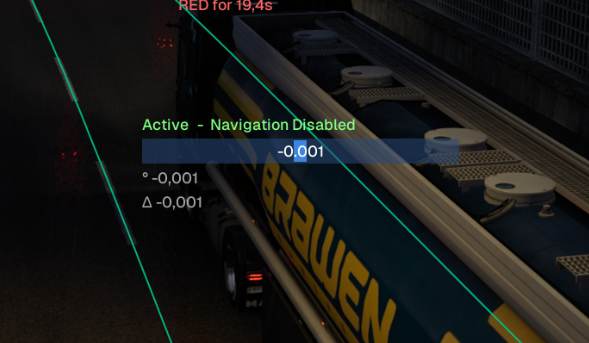
This issue is likely caused by your ApplicationState not telling ETS2LA to follow the navigation route. If your lane assist overlay window looks like the left one. Then please enable navigation by pressing N. The overlay will then display Active - Navigating, indicating that navigation is enabled.
ETS2LA seems to be steering too slow?
As long as ETS2LA is sending steering output to the game, the issue is on the game side. The most likely cause is incorrect sensitivity options, causing the game to not respond to our output in a linear fashion.
The easiest way to reset your control settings, is to run the quick setup in the game's control settings again. If you want to try and solve this manually, please set the following options:
- Sensitivity -
0.5or1.0. This depends on variables we've yet to figure out. - Steering Non-Linearity -
0 - Speed Sensitive Steering - Disabled.
My mods seem to not be working correctly.
While we support most mods, we can't guarantee 100% compatibility. There are some steps you can take to try and improve the experience.
- If you encounter crashing - Lower the data quality in
Settings - Data. - If Lane Assist displays
No nearby nodesand the Internal Visualization is empty - Try to enableForce Base Map NameinSettings - Data. If this doesn't work, ensure that themodfolder only contains the mods you're using. ETS2LA will load all mods discovered in that folder, regardless of if they are enabled in game.
You can contact us on the Discord regarding any issues with mod compatibility. We can't guarantee we can help, but we'll try our best. Please follow these steps before contacting us.
I'm in game, but the log says it failed to load game data.
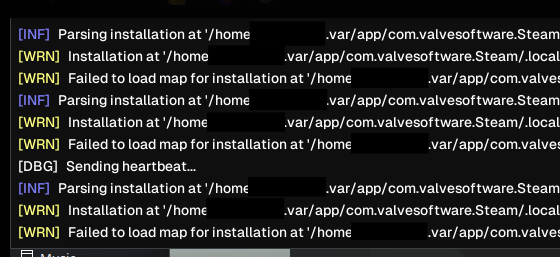
This is a common issue when your game.log.txt is not where ETS2LA expects it to be. We've built in a fallback to bypass these situations. You can enable Force Map Load in Settings - Data to force ETS2LA to load the first matching game.
Do you have other issues?
Reach out to us on our Discord or via GitHub. You can also email me at [email protected].